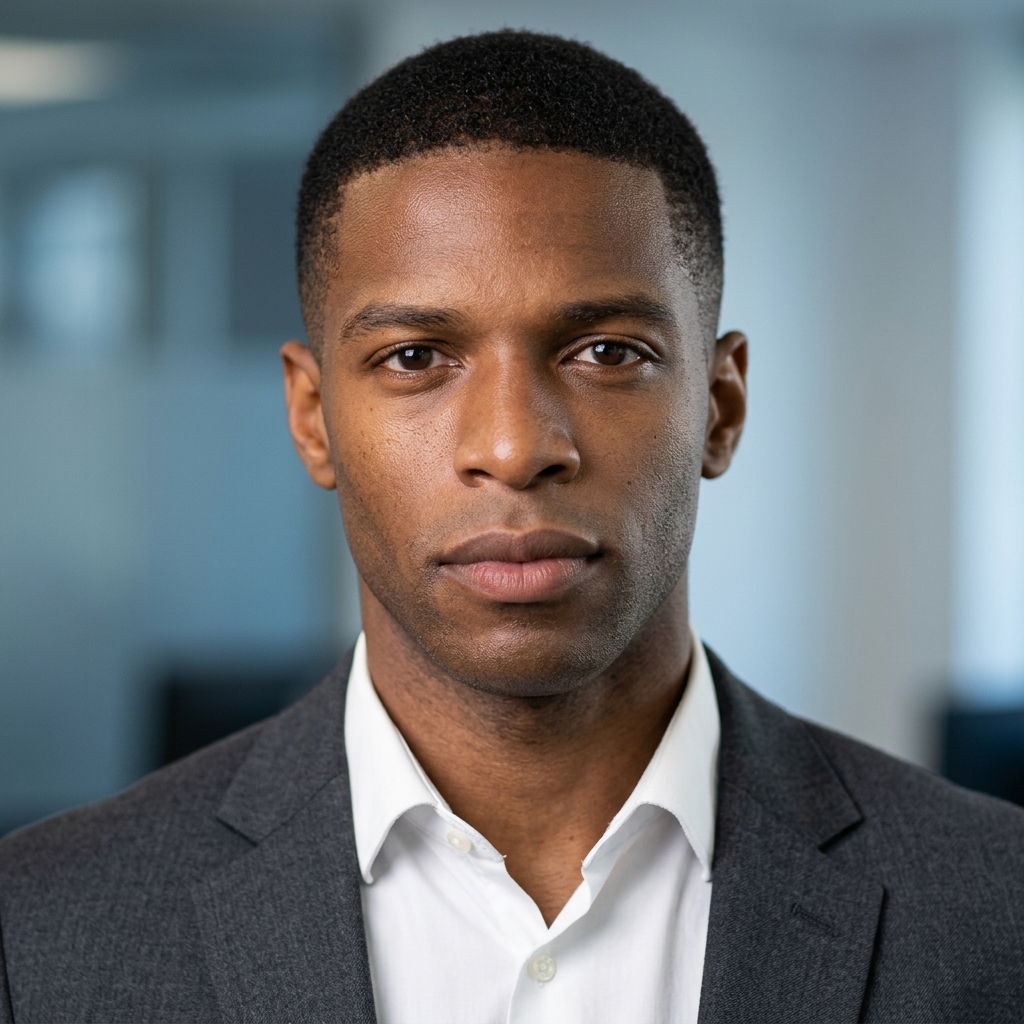
Professional LinkedIn Profile Photo Conversion
Convert an uploaded image into a professional LinkedIn profile photo, preserving identity while adding business attire, clean lighting, and a suitable background.
Use the uploaded image as the main identity reference. Transform the person into a professional LinkedIn profile photo. Keep the person’s face, facial features, identity, age, skin tone, hairstyle, and natural expression consistent with the original image. Do not change the person’s gender, age, face shape, or recognizable details. Create a realistic head-and-shoulders portrait with clean professional lighting, sharp focus, natural skin texture, and a confident friendly expression. The person should wear polished business or smart-casual clothing suitable for LinkedIn, such as a blazer, shirt, blouse, or neat professional outfit. Use a simple clean background, such as a soft gray, white, beige, or blurred office background. Make the composition centered, with the person looking naturally toward the camera. Ensure the final image looks like a real professional profile photo, not overly retouched, not cartoonish, not cinematic, not exaggerated. High-resolution, realistic photography style, natural colors, balanced contrast, professional corporate headshot.
About this Prompt
This prompt is specifically designed to transform an uploaded image into a polished, professional LinkedIn profile photo. It ensures the complete preservation of the subject's identity, including face, features, age, skin tone, hairstyle, and natural expression. The output will be a realistic head-and-shoulders portrait, characterized by clean professional lighting, sharp focus, and natural skin texture, with the subject exuding a confident, friendly expression. The prompt details the inclusion of appropriate business or smart-casual attire (blazer, shirt, blouse) and a simple, clean background (soft gray, white, beige, or blurred office setting). The composition is centered, with the subject looking naturally at the camera. The final image will be a high-resolution, realistic corporate headshot, strictly avoiding any overly retouched, cartoonish, or exaggerated AI appearances, making it perfect for professional networking.
AI Variations
Midjourney
DALL-E
Stable Diffusion
HeadshotPro (AI-powered headshot tools)
Core Capabilities
Identity preservation, professional styling, background replacement, realistic lighting, high-resolution output, business-appropriate aesthetic.